Use case: Publish a Transport Order to telematics
Goal
Publish a Transport Order to Geotab, Samsara, or Webfleet for execution by a connected fleet platform.
When to use it
Use this flow when the carrier or fleet execution process is managed in a telematics provider.
Before you start
- Telematics setup is enabled for the provider.
- The carrier is linked to the telematics setup.
- Vehicle and driver mappings exist when required.
- The Transport Order has complete route stops and schedule data.
Steps
- Open the Transport Order.
- Confirm carrier, vehicle, driver, route stops, and dates.
- Choose Publish to Telematics.
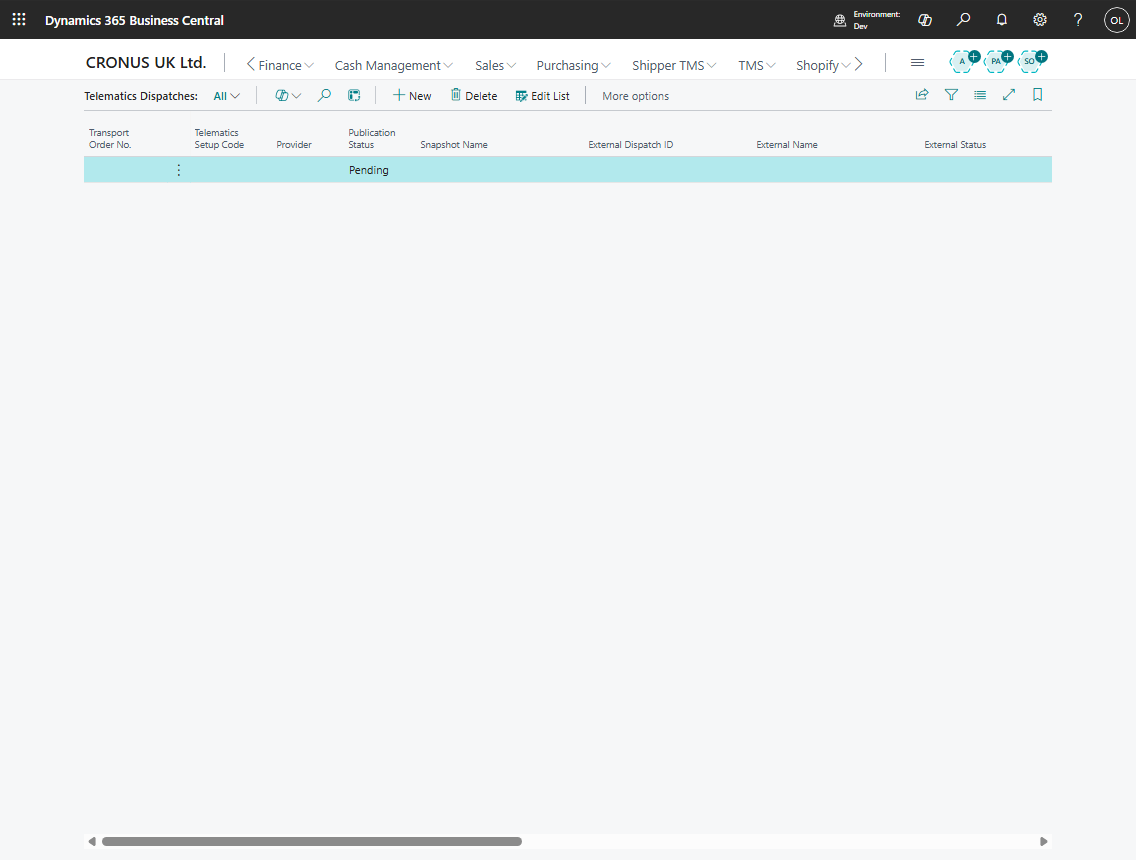
- Open Telematics Dispatches.
- Review publication status, external dispatch ID, external status, and last result.
- Use Refresh from Telematics or Sync Execution Facts after provider-side updates.
Expected result
- A telematics dispatch record is created or updated.
- Provider-side route or dispatch data is created.
- Execution facts can be synchronized back when the provider supplies them.
What to do next
Monitor telematics logs and execution entries. Cancel or refresh the dispatch if the provider-side plan changes.
Common errors
| Problem | What to check |
|---|---|
| Publish fails | Provider credentials, carrier setup, vehicle mapping, driver mapping, and route data |
| External status is missing | Provider response, logs, and dispatch refresh |
| Execution facts do not appear | Provider event availability, status profile, inbound messages, and sync logs |