Buy licenses
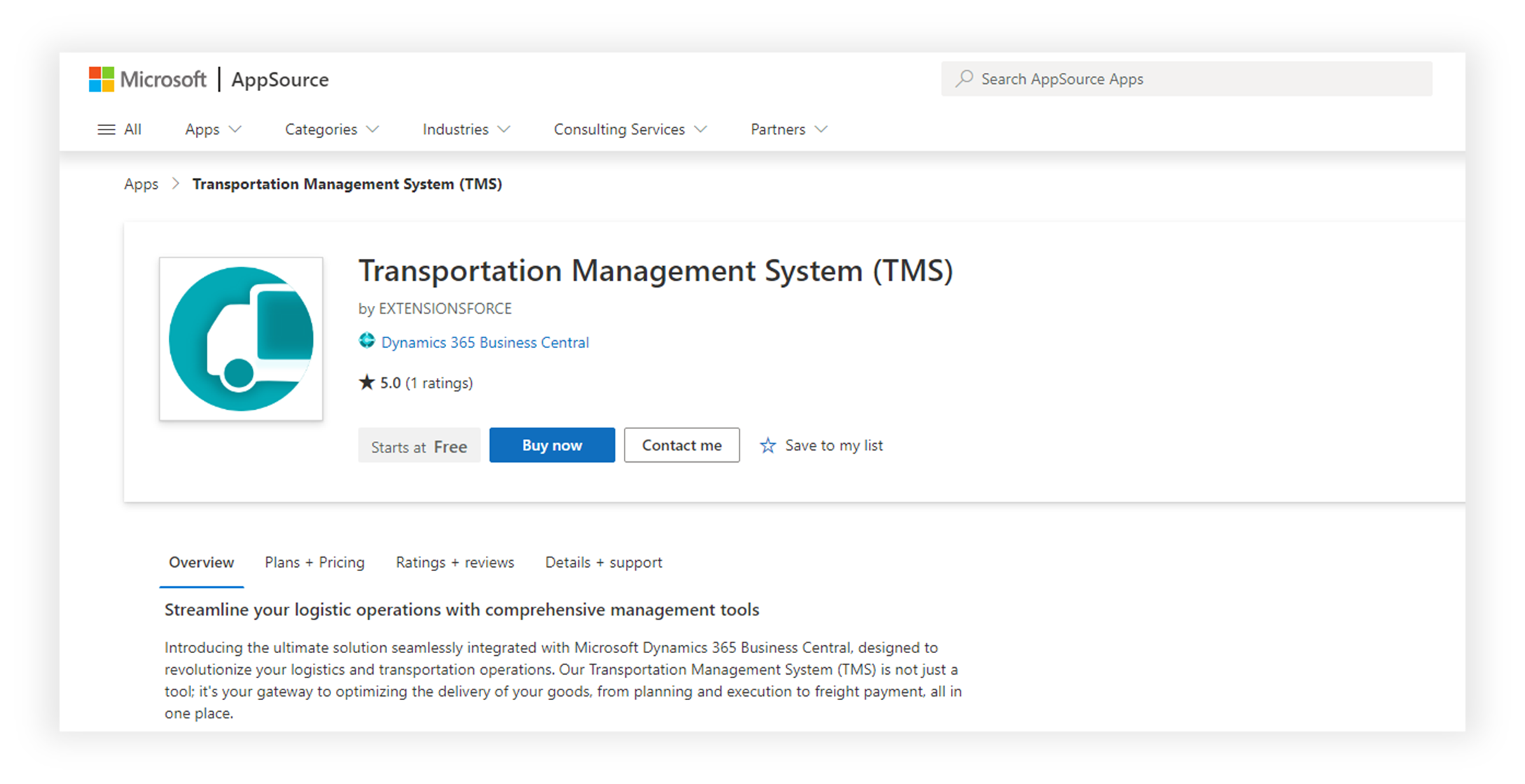
Shipper TMS uses its own AppSource licensing. Only users who actively work with TMS features need a Shipper TMS license.
Who needs a license
Assign a Shipper TMS license to users who:
- create or release Transport Requests,
- plan Transport Orders,
- work in Transport Request Load Planning, Truck Load Management, Driver Load Management, or Visual Scheduler,
- work with TMS setup, telematics, or TMS APIs.
Users who never open or use TMS features do not need a Shipper TMS license.
Buy the licenses
- Open the Shipper TMS offer in AppSource.
- Choose Buy now.
- Select the pricing plan that matches your team size.
- Complete the Microsoft purchase flow.
After the purchase, the licenses are provisioned to your Microsoft 365 tenant.
Assign licenses to users
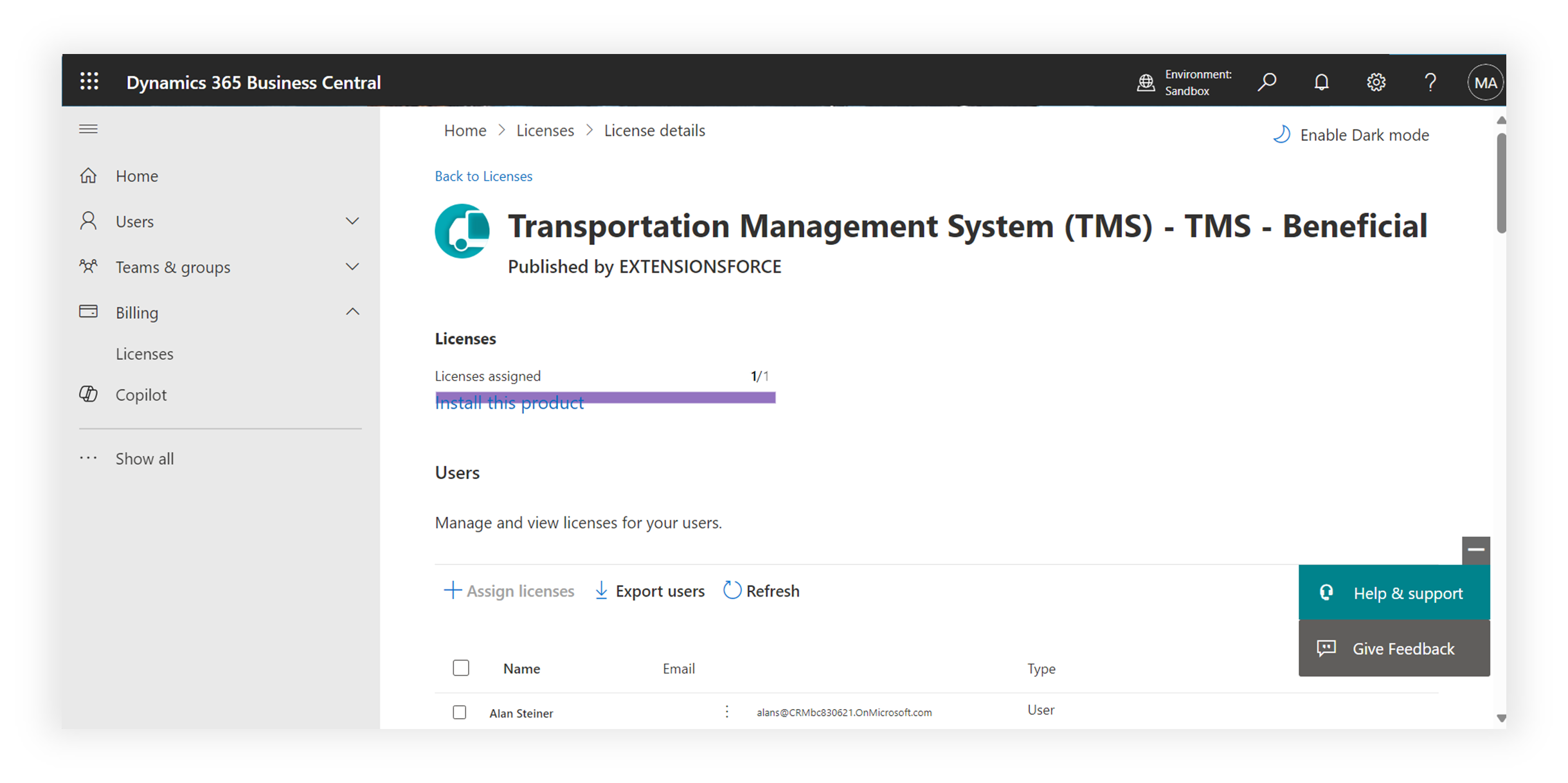
- Open the Microsoft 365 admin center.
- Go to Billing > Licenses.
- Open the Shipper TMS product.
- Choose Assign licenses.
- Select the users who need access.
- Save the change.
Verify
Ask one licensed user to sign in to Business Central and search for Transport Requests or Shipper TMS Setup.
If the page opens without a licensing message, the license assignment is working.