Use case: Create warehouse documents from a Transport Order
Goal
Create or open warehouse shipments and receipts that are linked to a Transport Order.
When to use it
Use this flow when warehouse work should be driven by the transport plan.
Before you start
- The Transport Order is Released.
- The order contains Transport Requests.
- Source lines are supported for warehouse creation.
- Business Central warehouse setup requires shipment or receive handling for the location.
Steps
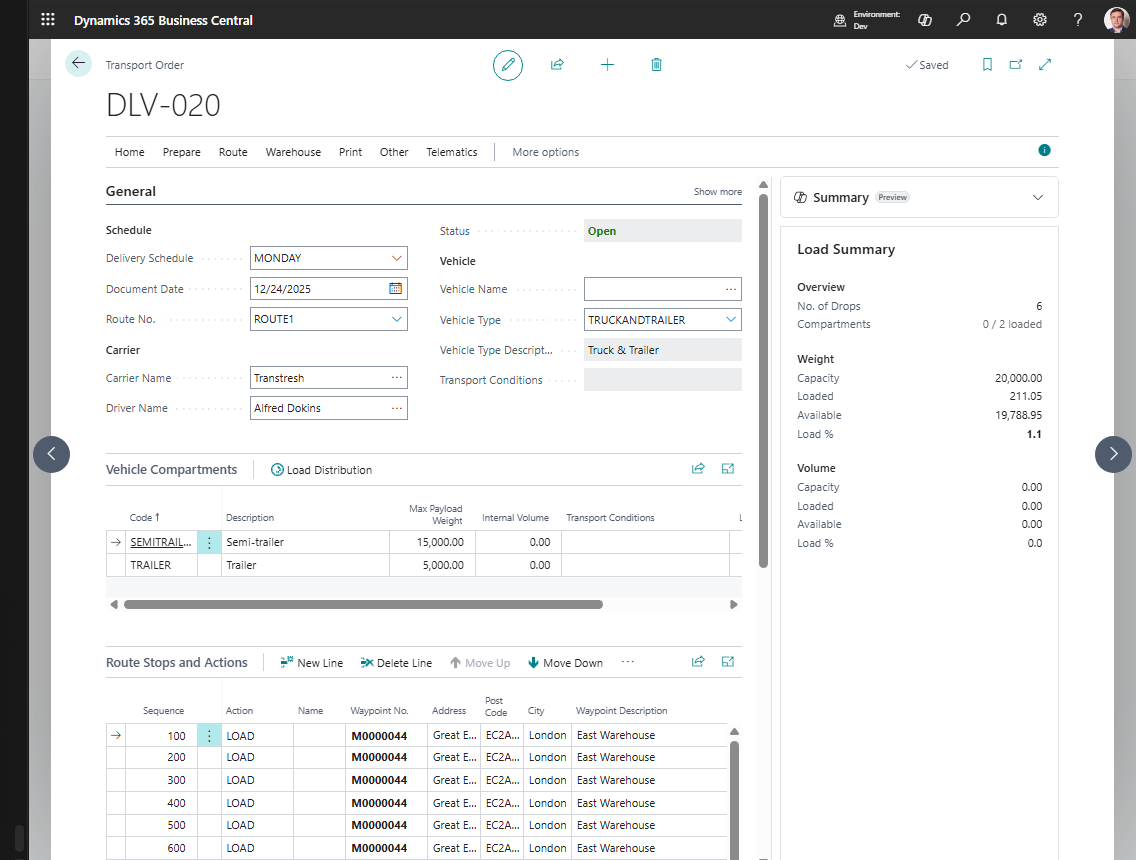
- Open the Transport Order.
- Confirm the status is Released.
- Choose Create Warehouse Documents.
- Confirm the action.
- Open Show Warehouse Shipments or Show Warehouse Receipts.
- Process the warehouse documents in the standard Business Central warehouse flow.
Expected result
- Warehouse shipments are created for eligible Sales Order lines when shipment handling applies.
- Purchase Return Order lines are currently processed for Warehouse Shipment only when the same Transport Request also contains at least one eligible Sales Order line.
- Warehouse receipts are created for eligible Purchase Order lines when receive handling applies.
- Sales Return Order lines are currently processed for Warehouse Receipt only when the same Transport Request also contains at least one eligible Purchase Order line.
- Existing warehouse documents open instead of creating duplicates.
What to do next
Pick, ship, receive, or post the warehouse documents according to your warehouse process.
Common errors
| Problem | What to check |
|---|---|
| Action is unavailable | Transport Order must be Released |
| No warehouse document is created | Supported source line, location handling setup, and outstanding warehouse quantity |
| Transfer line is skipped | Transfer warehouse document creation is not implemented by this action in the current version |