Use case: Plan an inbound pickup from a Purchase Order
Goal
Plan inbound vendor pickup or receipt transportation from a Purchase Order.
When to use it
Use this flow when your company controls the inbound transportation from the vendor to your receiving location.
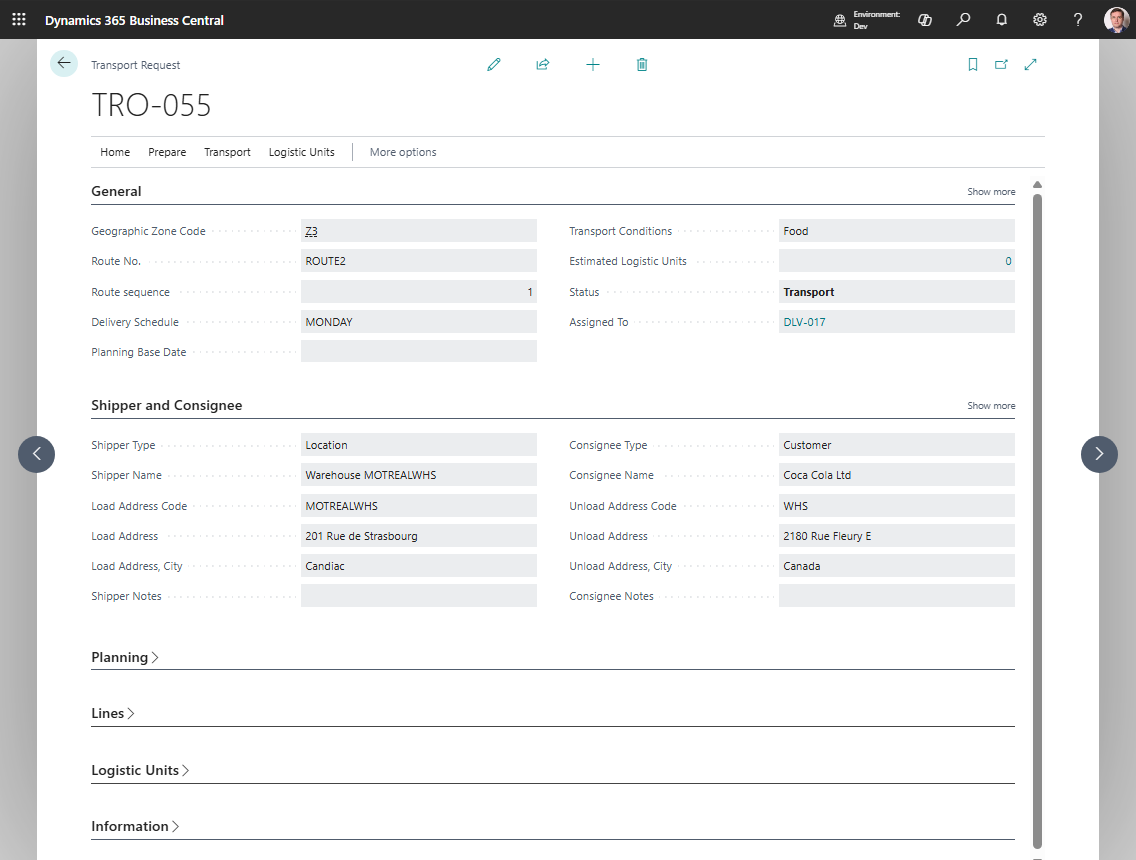
Before you start
- The Purchase Order has eligible item lines.
- The Purchase Order is Released.
- Vendor, order address, receiving location, and company address data are complete for the endpoints you use.
- If a line has no Location Code, Company Information has a Default Map Location.
- Receiving locations are configured if warehouse receipts will be created.
Steps
- Open the Purchase Order.
- Choose Create Transport Request.
- Open and review the created request.
- Confirm shipper, consignee, load date/time, and unload date/time.
- Choose Release.
- Assign the request to a new or existing Transport Order.
- Review route stops and calculate distance if needed.
- Release the Transport Order.
- If the location requires receive handling, choose Create Warehouse Documents.
Expected result
- The Purchase Order is linked to transport demand.
- The inbound request is planned on a Transport Order.
- Warehouse receipts can be created for supported Purchase Order lines when warehouse setup requires them.
What to do next
Start execution, publish to telematics if used, or process the warehouse receipt.
Common errors
| Problem | What to check |
|---|---|
| No request is created | Purchase Order status, item lines, remaining quantities, and address setup |
| A line without Location Code fails | Company Information default Map Location |
| Drop shipment lines are skipped | Create the Transport Request from the Sales Order for drop shipment demand |
| Warehouse receipt is not created | Transport Order status, source line support, location receive handling, and outstanding warehouse quantity |
| Distance is blank | Map provider setup and map locations for both endpoints |