Time slots and delivery schedules
Use this setup when your company wants Shipper TMS to calculate planned transportation timing automatically.
The setup has two parts:
- Delivery Schedule decides the date
- Time Slot Profile decides the time window on that date
How to work with these pages
Use these pages together.
- Create the Time Slot Profile first.
- Add time-slot lines for the real receiving or loading windows.
- Use Day of Week when a time window applies only on specific days.
- Use an “any day” style slot only when the same time works every day.
- Create the Delivery Schedule that calculates the date.
- Assign the delivery schedule and time-slot profile to the customer, vendor, location, ship-to address, or order address.
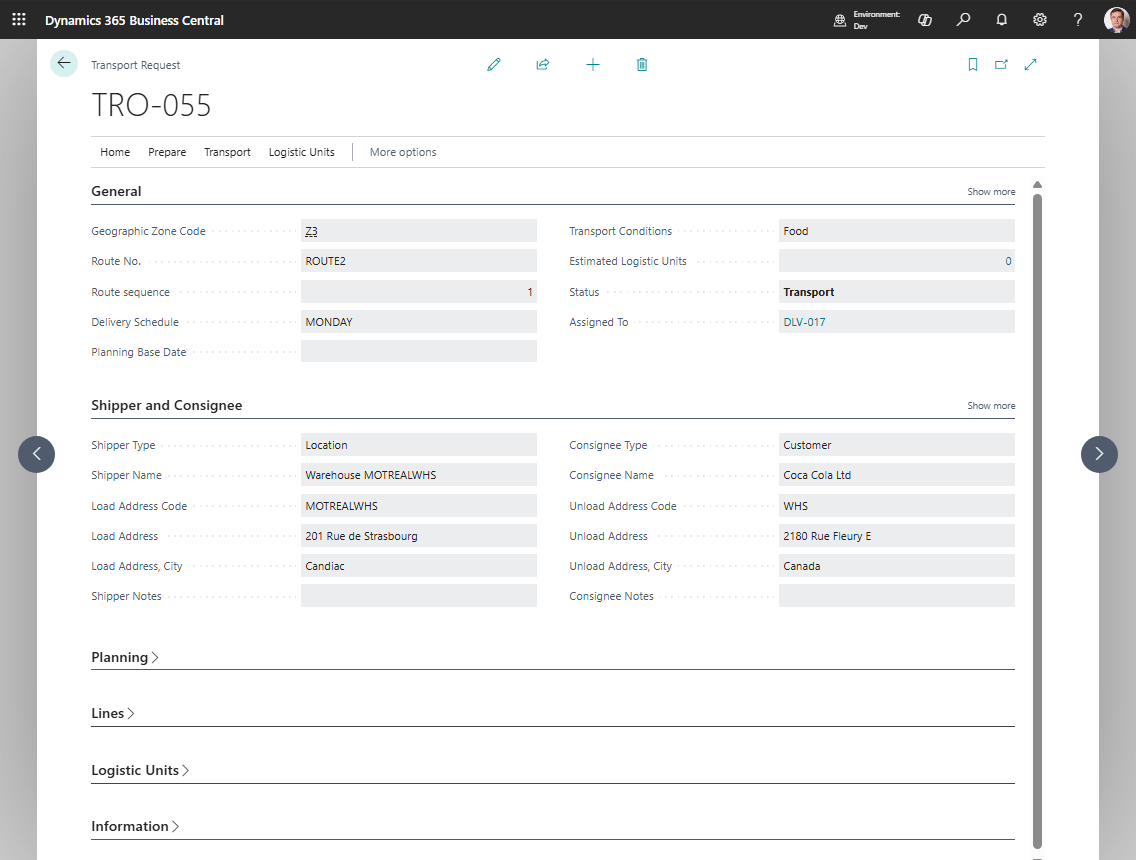
- Create a test Transport Request and confirm that load/unload date and time values are calculated as expected.
Create a Time Slot Profile
- Search for Time Slot Profiles.
- Choose New.
- Fill in Code and Description.
- Open the profile lines.
- Add one or more time slots with:
- No.
- Description
- Time Start
- Time End
- Day of Week
Create a Delivery Schedule
- Search for Delivery Schedules.
- Choose New.
- Fill in:
- Base Date
- Second Base Date
- Base Date Mandatory
- Lead Time
- Calendar
Assign the setup to master data
Apply the schedule and time-slot profile on the relevant:
- customer,
- vendor,
- location,
- ship-to address,
- order address.
How the system chooses the final time
When a Transport Request is created:
- Shipper TMS calculates the target date from the delivery schedule.
- It looks for a matching time slot on that day of week.
- If no day-specific slot exists, it falls back to the best available default logic.
Example
If a customer accepts deliveries only on Monday and Thursday:
- the delivery schedule can use a calendar that allows only those days,
- the time-slot profile can define separate Monday and Thursday windows,
- newly created Transport Requests will follow that pattern automatically.